

- Read the documentation on how to create links or create QR Codes.
- Learn how to integrate CodeQR into your application.
- Reach out to us to feature your integration in the integrations marketplace.
Integrating via OAuth 2.0 (recommended)
CodeQR supports OAuth 2.0 authentication, which is recommended if you build integrations extending CodeQR’s functionality. We recommend you use an OAuth client library to integrate the OAuth flow. You can find recommended libraries in a variety of programming languages here.Set up OAuth 2.0
Here is a step-by-step guide on how to set up OAuth 2.0 authentication with CodeQR.1
Create an OAuth2 application in CodeQR
- Go to the OAuth Apps tab in your project.
- Click on Create OAuth App.
- Fill in the required fields to create an OAuth2 application.
2
Redirect users to authorization URL
When you want to authenticate a user, you need to redirect them to the CodeQR OAuth authorization URL.Parameters: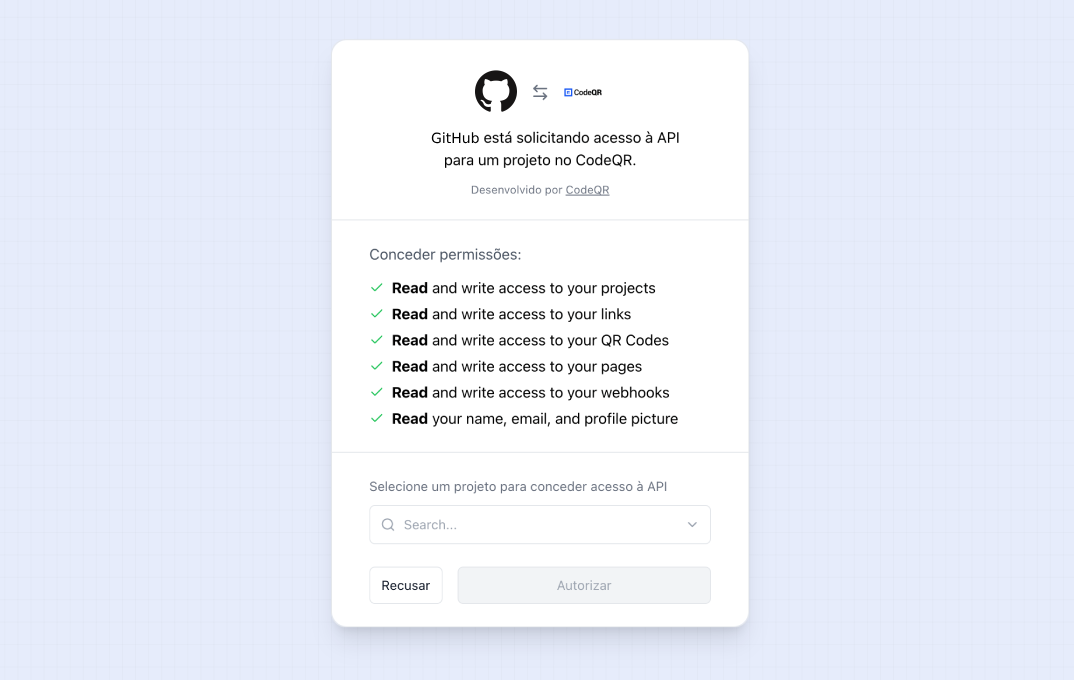
An example URL would look like this:
3
Exchange code for an access token
The Parameters:We recommend using the PKCE flow for native desktop or mobile applications or single-page apps (SPAs) where the
code parameter is returned in the query string when the user is redirected back to your application. You can exchange this code for an access token by making a POST request to the CodeQR OAuth token URL.Response:After a successful request, you will receive a JSON response with the access token.
client_secret cannot be hidden.4
Make an API request with the access token
Once you have obtained a valid access token, you can use it to make requests to the CodeQR API.Here is an example of how you can create a QR Code by passing the access token in the header:
Authorization: Bearer <ACCESS_TOKEN>5
Refresh the access token
CodeQR access tokens are short-lived, depending on the Parameters:This will invalidate the old access token and refresh token.
expires_in value (the default value is 604,800 seconds, or 7 days). CodeQR will respond with 401 Unauthorized if you try to use an expired access token.To refresh the access token, you need to make a POST request to the CodeQR OAuth token URL with the refresh_token you obtained when exchanging the code for an access_token.Response:After a successful request, you will receive a JSON response with the new access token.