
.env
Create an API key
You can create an API key by following these steps:1
Go to your project
Go to Settings > API Keys in your project.
2
Create an API Key
Click on the “Create” button and select permissions you want to grant to
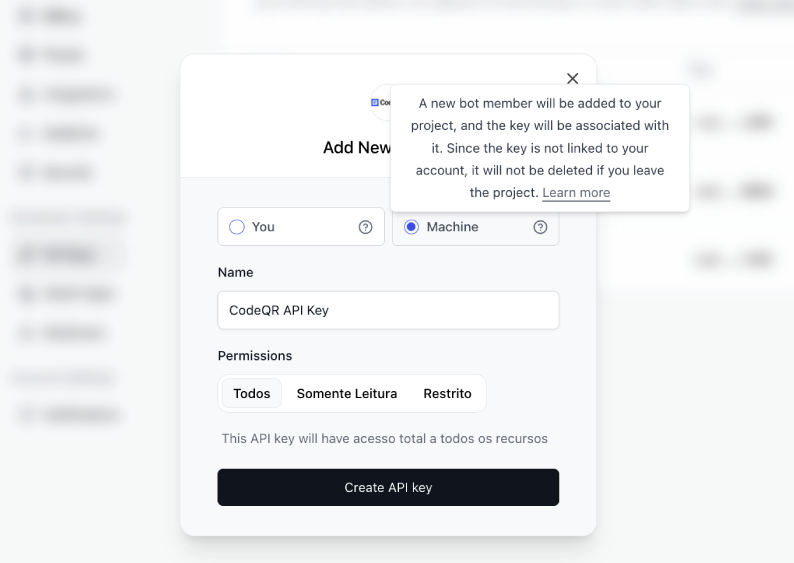
the API key.Select between “You” and “Machine” to associate the API key with your account or a machine user.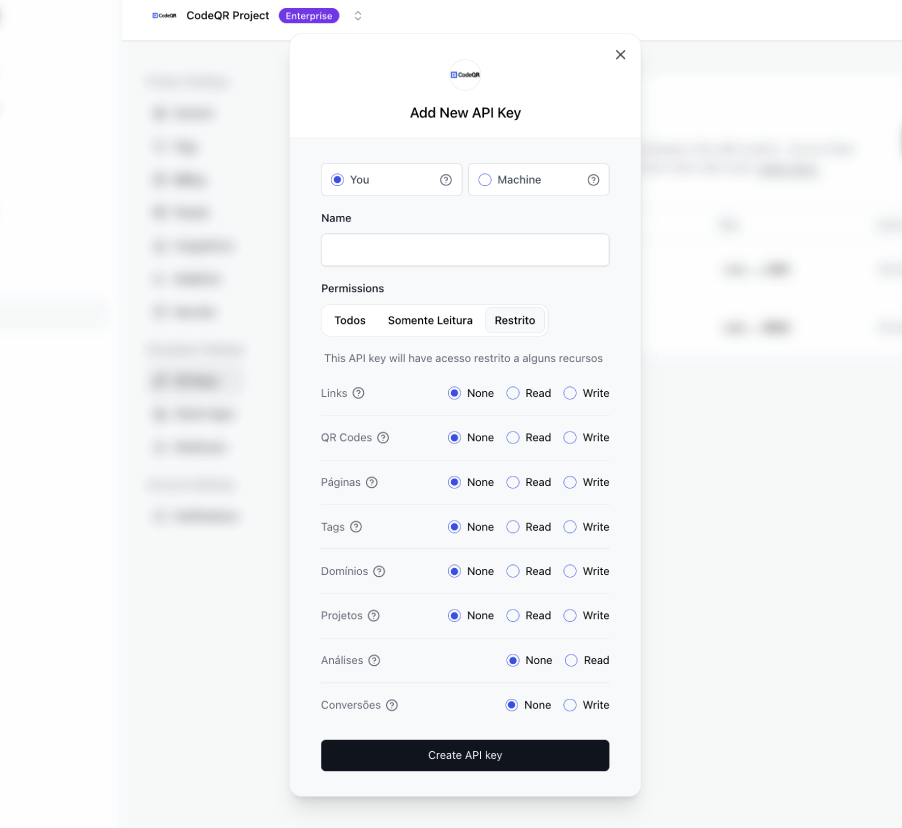
- You: This API key is tied to your user and can make requests against the selected project.
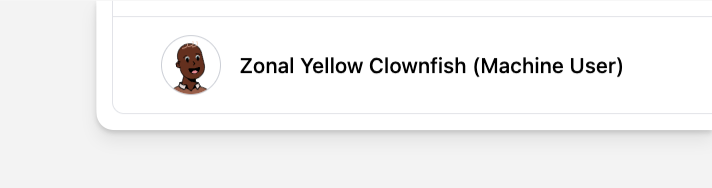
- Machine: A machine user will be added to your project, and an API key associated with that machine user will be created.
3
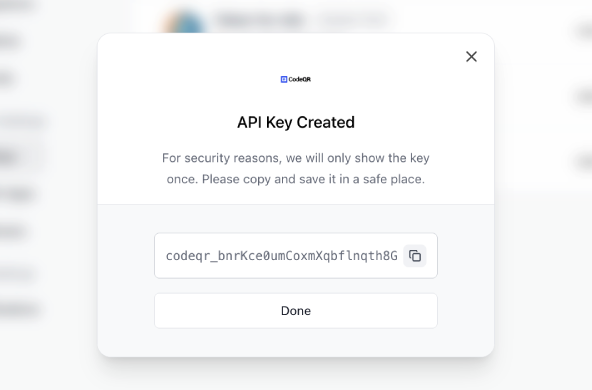
Use your API Key
Now that you have your API key, you can use it to access your project’s resources programmatically via SDKs or within any API request as a bearer token.
API key permissions
When creating a secret key, you can select the permissions it has, which will give the key access to certain (or all) resources on CodeQR. Here are the different permission options:
Depending on your use case, you might want to use one of these 3 options to limit the scope of the API key and improve security. When making API calls, if your API key has insufficient permissions, the error should tell you which permissions you need.
Machine users
On CodeQR, you can create API keys that are associated with a “Machine user”. This is particularly helpful when you don’t want to associate the API key with a particular user in your project, to avoid security risks in involving turnover or changes in project ownership.